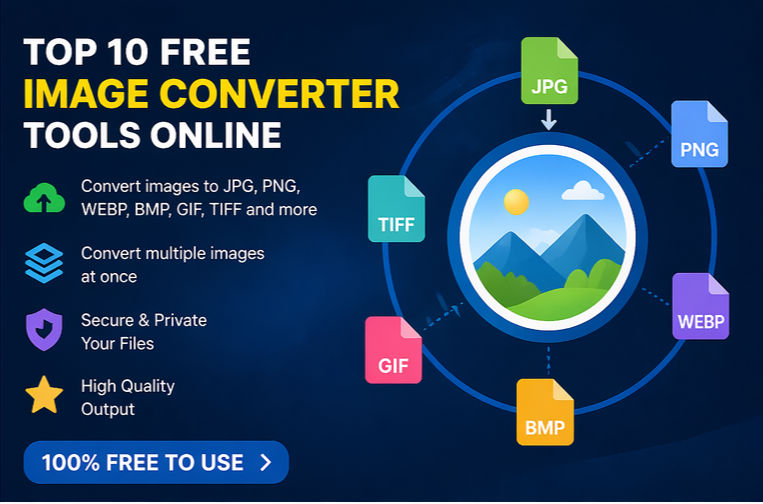
Images are an essential part of digital communication, whether for websites, social media, school projects, or business presentations. However, different platforms often require different image formats such as JPG, PNG, WEBP, BMP, or GIF. This is where free online image converter tools become extremely useful. They help you quickly change image formats without installing heavy software on your device.
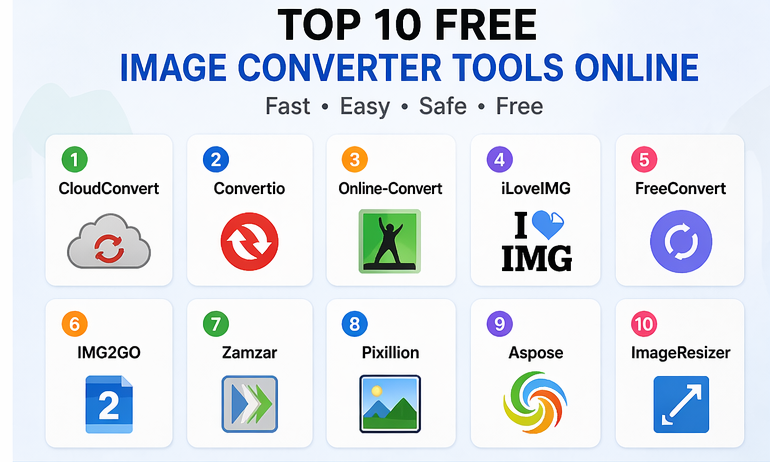
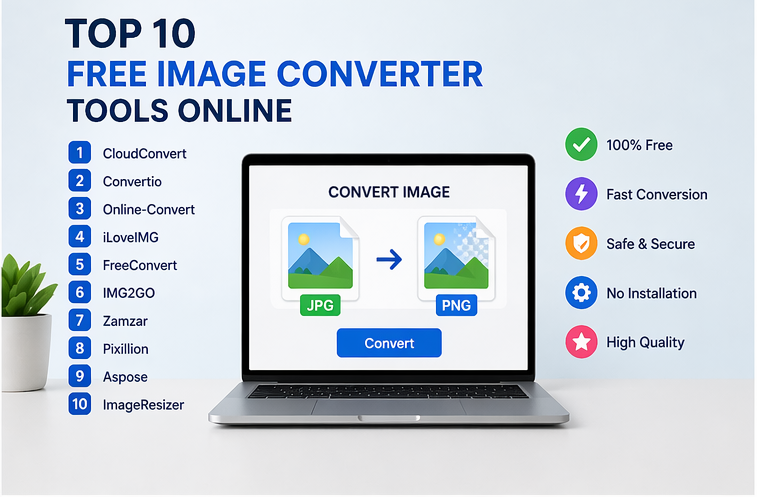
Here are the top 10 free image converter tools online that can make image conversion simple and fast.
1. CloudConvert
CloudConvert is one of the most popular online file conversion platforms. It supports multiple image formats and provides excellent output quality.
Features:
- Converts JPG, PNG, WEBP, BMP, TIFF, and more
- Supports batch image conversion
- High-quality output
- No software installation required
Best for: Professional-quality image conversions.
2. Convertio
Convertio offers a simple drag-and-drop interface that makes image conversion easy even for beginners.
Features:
- Supports over 300 file formats
- Cloud storage integration
- Fast conversion speed
- Works on all devices
Best for: Quick and beginner-friendly image conversion.
3. Online-Convert
Online-Convert gives users more control by allowing image resizing and compression during conversion.
Features:
- Change image format instantly
- Resize images while converting
- Adjust compression settings
- Secure file handling
Best for: Users who want editing options during conversion.
4. iLoveIMG
iLoveIMG is widely used for image editing and format conversion.
Features:
- Convert JPG to PNG and vice versa
- Compress large images
- Resize multiple images
- Clean user interface
Best for: Students and content creators.
5. FreeConvert
FreeConvert combines speed and quality in one simple tool.
Features:
- Supports advanced settings
- High-resolution output
- Batch conversion
- Browser-based tool
Best for: High-resolution image conversion.
6. IMG2GO
IMG2GO is more than a converter because it includes useful editing tools.
Features:
- Crop and resize images
- Convert multiple formats
- Add filters
- Easy drag-and-drop support
Best for: Users needing both conversion and editing.
7. Zamzar
Zamzar is one of the oldest and most trusted online converters.
Features:
- Simple interface
- Supports many formats
- Email download option
- Fast cloud conversion
Best for: Reliable image file conversion.
8. Pixillion Online Converter
Pixillion is known for its smooth performance and simple design.
Features:
- Converts multiple images
- Maintains quality
- Supports common formats
- Fast processing
Best for: Bulk image conversion.
9. Aspose Image Converter
Aspose provides a professional online image converter suitable for many file types.
Features:
- Convert image to PDF and vice versa
- Secure processing
- Fast cloud system
- No account required
Best for: Professional document-image conversion.
10. ImageResizer
ImageResizer is a lightweight tool focused on quick image tasks.
Features:
- Convert image formats
- Resize images
- Compress files
- Mobile-friendly interface
Best for: Fast conversions on mobile devices.
Final Thoughts
Free online image converter tools can save time and make your workflow much easier. Whether you need a simple JPG to PNG conversion or advanced editing options, these tools provide excellent solutions without costing anything.
The best choice depends on your needs:
- For quality: CloudConvert
- For beginners: Convertio
- For editing: IMG2GO
- For mobile use: ImageResizer
Using the right image converter can help you handle images more efficiently for personal, educational, or professional use.