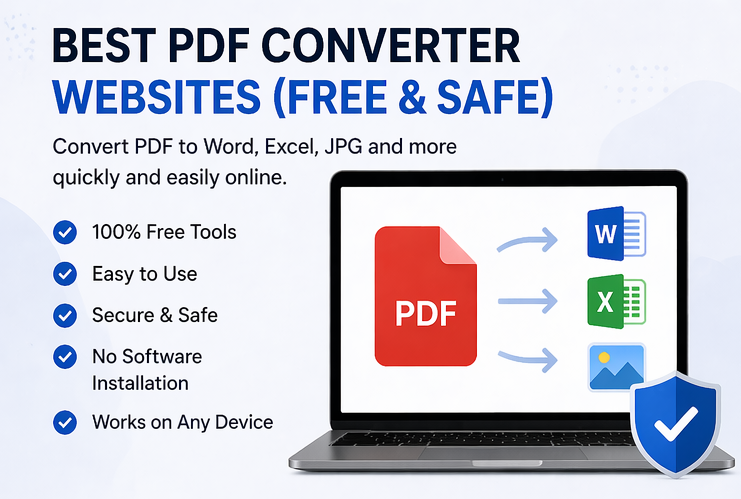

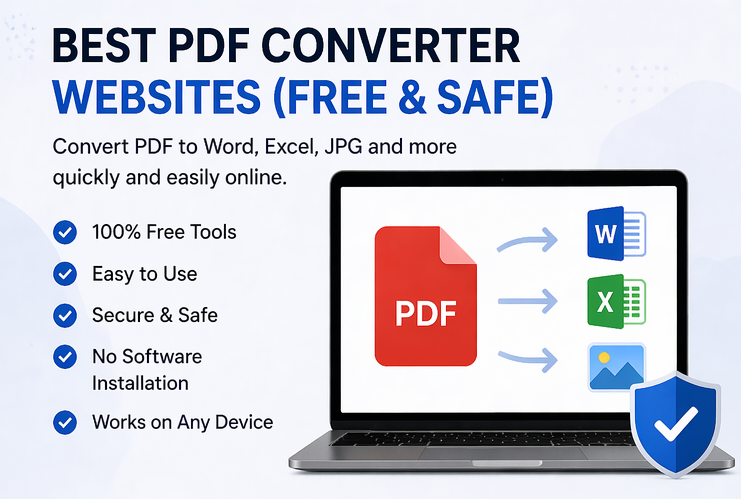
PDF files are widely used for documents, reports, resumes, and official files because they maintain formatting across all devices. However, sometimes you need to convert PDFs into editable formats like Word, Excel, or images—or convert other files into PDF. That’s where free and safe PDF converter websites come in.
In this guide, we’ll explore the best tools, their features, and how to use them safely.
📄 Why Use PDF Converter Websites?
PDF converters make your work easier by allowing quick file transformations without installing any software.
Key benefits:
- Convert PDF to Word, Excel, JPG, and more
- Maintain formatting and layout
- Save time with instant conversion
- Access tools from any device
👉 These tools are essential for students, freelancers, and professionals.
🚀 Top Free & Safe PDF Converter Websites
Here are the best platforms you can use:
1. Smallpdf
One of the most popular and user-friendly PDF tools online.
Features:
- Convert PDF to Word, Excel, PPT, JPG
- Compress and merge PDFs
- Simple drag-and-drop interface
Best for: Everyday PDF tasks
2. ILovePDF
A powerful all-in-one PDF solution with multiple tools.
Features:
- Convert, merge, split, and compress PDFs
- Batch processing support
- Clean and easy interface
Best for: Multiple PDF operations
3. Adobe Acrobat Online
A trusted name in PDF technology.
Features:
- High-quality PDF conversion
- Convert to Word, Excel, and images
- Secure file handling
Best for: Professional use
4. PDF2Go
A versatile platform with editing features.
Features:
- Convert PDF to various formats
- Edit and compress files
- OCR (text recognition) support
Best for: Editing + conversion
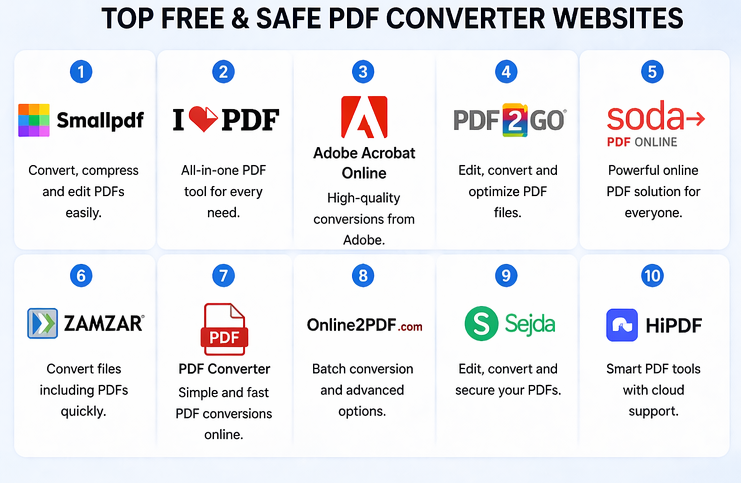
5. Soda PDF Online
A complete PDF solution with a modern interface.
Features:
- Convert and edit PDFs
- Cloud integration
- Secure processing
Best for: Business users
6. Zamzar
One of the oldest and most reliable file converters.
Features:
- Supports many file formats
- Email download option
- Quick conversion
Best for: Simple conversions
7. PDF Converter (by FreePDFConvert)
A dedicated PDF conversion tool.
Features:
- Convert PDF to Word, Excel, PPT
- Easy upload and download
- Fast processing
Best for: Quick conversions
8. Online2PDF
A powerful tool with advanced settings.
Features:
- Batch conversion
- File compression
- Merge and split options
Best for: Advanced users
9. Sejda PDF
A feature-rich and secure platform.
Features:
- Convert, edit, and sign PDFs
- Works in browser
- Privacy-focused
Best for: Secure document handling
10. HiPDF
A modern PDF converter with cloud support.
Features:
- Convert PDF to multiple formats
- OCR support
- User-friendly design
Best for: Beginners
🧠 How to Use a PDF Converter
Using these tools is very simple:
- Open your preferred website
- Upload your file
- Choose the desired format (PDF to Word, etc.)
- Click convert
- Download the converted file
👉 Most tools work instantly and don’t require signup.
⚠️ Safety Tips for Using PDF Converters
While these tools are convenient, you should always keep security in mind.
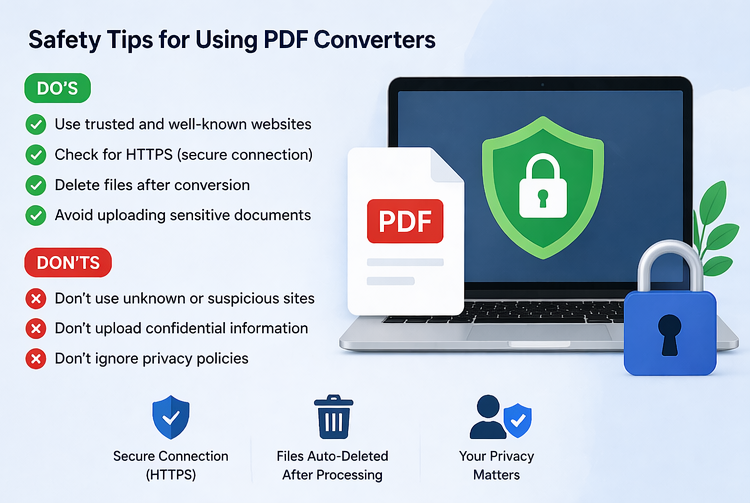
✅ Do’s
- Use trusted and well-known websites
- Check if the site uses HTTPS (secure connection)
- Delete files after conversion (if option available)
- Avoid uploading sensitive documents
❌ Don’ts
- Don’t use unknown or suspicious websites
- Don’t upload confidential files (bank details, passwords, etc.)
- Don’t ignore privacy policies
🔒 What Makes a PDF Converter Safe?
A good PDF converter should:
- Use encrypted file uploads (HTTPS)
- Automatically delete files after processing
- Not store your data permanently
- Have a strong reputation and user trust
🎯 Final Thoughts
Free PDF converter websites are powerful tools that help you manage documents efficiently without any cost. Whether you need simple conversions or advanced editing, these platforms offer reliable and easy solutions.